

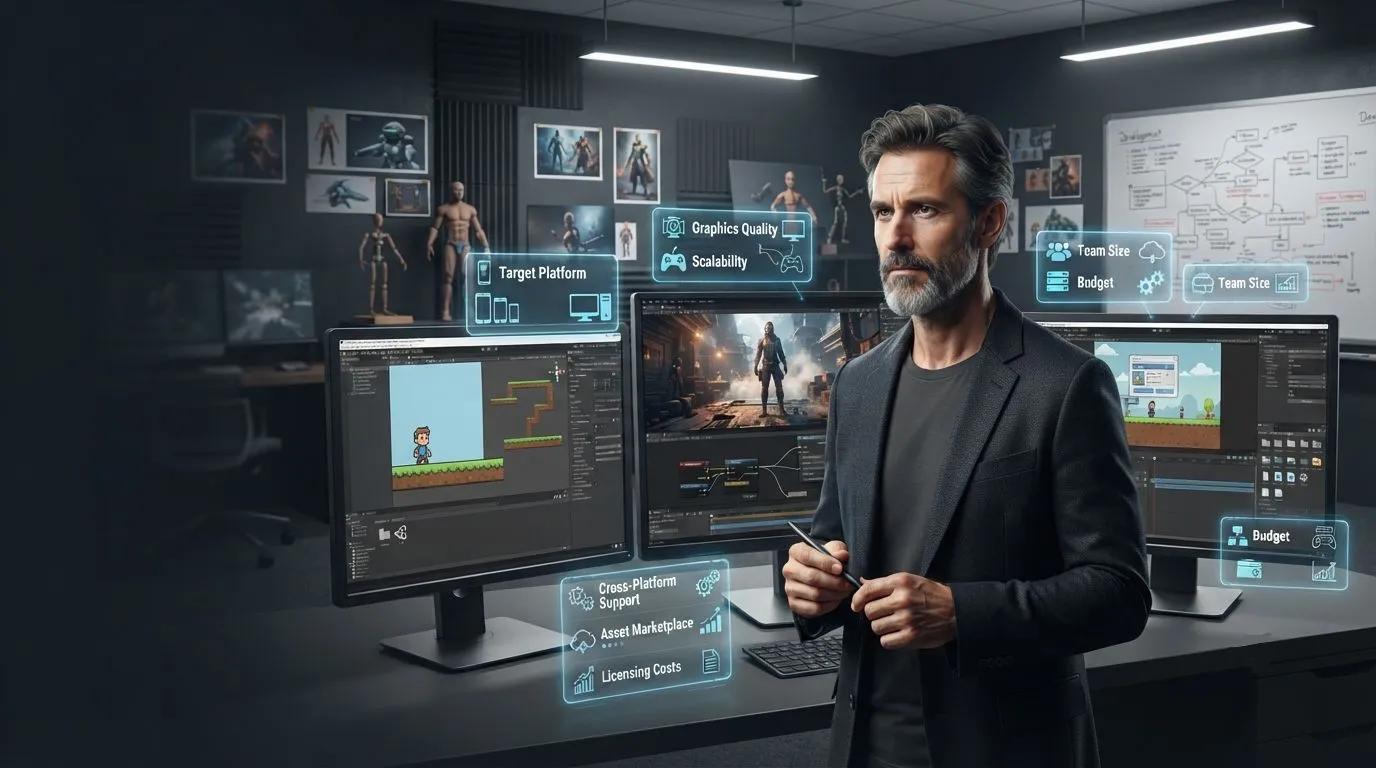
Choosing the right game engine for your project
Introduction
Picking a game engine is one of the highest-stakes decisions in game development. Switch too late, and you rebuild assets, code, and pipelines from scratch. Get it right from the start, and every other decision, from hiring to timeline, gets easier.
This article walks through the factors that actually matter when choosing a game engine, so you can make a decision based on your project's real needs instead of whichever engine is loudest online.
Table of Contents
Featured Snippet: How to Choose the Right Game Engine
Why Engine Choice Matters More Than It Seems
Factor 1: Target Platforms
Factor 2: Genre and Visual Fidelity
Factor 3: Team Size and Skill Set
Factor 4: Budget and Licensing
Factor 5: Community and Asset Support
Factor 6: Scalability
Comparison Table: Common Game Engine Options
Common Mistakes to Avoid
Best Practices
Frequently Asked Questions
Conclusion
Featured Snippet: How to Choose the Right Game Engine
To choose the right game engine, evaluate these factors in order:
Target platforms (mobile, PC, console, VR/AR)
Genre and visual fidelity needs (2D vs. 3D, stylized vs. realistic)
Team size and existing skill set
Budget and licensing costs
Community, documentation, and asset marketplace support
Scalability for future features or player growth
There is no single "best" engine. The right choice depends on matching these factors to your specific project.
Why Engine Choice Matters More Than It Seems
An engine is not just a rendering tool. It handles physics, animation, audio, input, and scripting under one framework, and it shapes how your whole team works for the life of the project. Choosing the wrong fit early often means teams spend a significant share of production time solving technical friction instead of building the features that actually make the game good.
Factor 1: Target Platforms
Where your game will run should be the first filter, not an afterthought. Mobile, PC, console, and VR/AR each have different technical demands, and switching platforms mid-development is expensive.
Unity remains the strongest option for mobile and cross-platform releases, with a mature build pipeline suited to phones and tablets. Unreal Engine leads in visual fidelity and is the standard choice for large-scale PC and console titles. Godot has become a credible option for teams that want to avoid licensing overhead, particularly for 2D and smaller-scope projects.
Factor 2: Genre and Visual Fidelity
A stylized 2D puzzle game and a realistic 3D open-world title have almost nothing in common technically. Godot, Unity, and GameMaker are generally considered the strongest 2D options, while Unreal Engine sets the benchmark for high-fidelity 3D rendering and cinematic visuals.
Ask what your game actually needs to look and feel like before comparing engines on paper. A browser-based puzzle game and a multiplayer mobile RPG have very different technical requirements, even if both are "just mobile games."
Factor 3: Team Size and Skill Set
Engine choice should match the team you actually have, not the team you hope to hire later.
Solo developers and very small teams generally benefit from engines with strong community support, large asset libraries, and visual scripting options like Unreal's Blueprints, which reduce the coding burden.
Small teams of three to ten developers often do well with Unity or Godot, where collaborative workflows and version control are more manageable at that scale.
Larger studios with ten or more developers typically lean toward Unreal Engine for AAA-quality output, supported by custom pipelines and dedicated technical artists.
Factor 4: Budget and Licensing
Licensing costs vary significantly.
Godot is fully free and open-source under an MIT license.
Unity Personal remains free up to $200,000 in annual revenue or funding, with Unity Pro required above that threshold.
Unreal Engine uses a royalty model, charging 5% of gross revenue above $1 million, rather than upfront licensing fees.
None of these models is universally "cheaper." A profitable mobile hit on Unity Pro and a modest indie release on Unreal's royalty model can land in very different places financially, so it's worth modeling your expected revenue against each engine's terms.
Factor 5: Community and Asset Support
A strong community and marketplace can shorten development time significantly. Larger communities mean more tutorials, plugins, and troubleshooting resources when your team hits a wall. Regular engine updates also matter for staying compatible with new platforms and hardware as they emerge.
Factor 6: Scalability
Think beyond your first release. If you plan to add multiplayer, expand to new platforms, or scale up visual fidelity later, your engine needs to support that growth without a full rebuild. This is especially important for live-service or ongoing games, where the engine needs to handle more players and features over time, not just launch-day requirements.
Comparison Table: Common Game Engine Options
Engine | Best Fit |
|---|---|
Unity | Mobile, cross-platform, mid-budget 3D projects |
Unreal Engine | High-fidelity 3D, AAA-style, cinematic games |
Godot | 2D projects, open-source teams avoiding licensing costs |
GameMaker | Fast, code-light 2D development |
Common Mistakes to Avoid
Choosing an engine based on trends instead of project fit.
Ignoring target platform requirements until late in planning.
Underestimating the learning curve for your team's current skills.
Overlooking licensing costs relative to expected revenue.
Skipping a small prototype before committing fully to one engine.
Best Practices
List your target platforms and genre requirements before comparing engines.
Match the engine to your team's real skill set, not an aspirational one.
Model licensing costs against realistic revenue projections.
Build a small prototype in your top one or two choices before committing.
Get an experienced Game Development partner to weigh in if you're unsure.
Frequently Asked Questions
What is the most important factor in choosing a game engine?
Target platform is usually the most important starting factor, since it immediately narrows your realistic options before you even consider genre, team, or budget.
Is Unity or Unreal Engine better for a first-time studio?
It depends on the project. Unity tends to suit first-time studios building mobile or 2D games due to its gentler learning curve, while Unreal suits teams targeting high-fidelity 3D visuals from the start.
Can I switch game engines mid-project?
It's possible but costly, since assets, code, and pipelines generally don't transfer cleanly between engines. It's far cheaper to choose carefully during planning than to switch later.
Does a free engine mean lower overall cost?
Not necessarily. A free or low-cost engine can still lead to higher total costs if it requires more custom development time to reach your visual or feature goals.
Conclusion
Choosing the right game engine comes down to honestly matching your platform, genre, team, and budget against what each engine actually does well. There is no universal best option, only the best fit for your specific project.
Cobweb Games works across Unity, Unreal Engine, and other platforms, and can help you evaluate the right fit before you commit resources to the wrong one.
Cobweb Games
Address: 580 California Street, San Francisco, CA 94104 Phone: (855) 773-1064 Email: [email protected] Website: https://www.cobwebgames.com/
Not sure which engine fits your project? Contact Cobweb Games for an honest, experience-based recommendation.