
Video Editing Tips
A video that gets views but no clicks is a wasted budget line. Landing pages with embedded video convert up to 86% higher than text-only pages, but that lift only shows up when the edit is right. The footage or animation is only half the project; Video Editing Services decide whether a viewer stays for the message or leaves in the first three seconds. This article covers the editing choices that move conversion rates, where Legal Graphics Animation Services fit into a law firm's funnel, and the cutting mistakes that quietly cap your results.
Table of Contents
• Why Editing Decides Whether a Video Converts
• Video Editing Tips That Improve Conversion Rates
• Where Legal Graphics Animation Services Fit Into the Funnel
• What Makes a Video Convert?
• Common Editing Mistakes That Kill Conversions
• Best Practices Checklist
• Why Companies Choose Pixel Studios INC
• Conclusion
Why Editing Decides Whether a Video Converts
Most video marketing statistics measure whether video helps, not whether the edit does. But the edit is where those numbers are won or lost. Websites with video average a 4.8% conversion rate versus 2.9% without, a lift that assumes the video actually holds attention. Marketers now rank videos between 30 and 60 seconds as the most effective length for this reason: a tight cut respects the viewer's time and gets to the offer before they scroll away.
Video Editing Tips That Improve Conversion Rates
These are the editing decisions that consistently separate a video that converts from one that just plays.
Hook Viewers in the First 3 Seconds
Open on the outcome or the problem, never on a logo animation or a slow fade-in. Editors should treat the first three seconds as a second headline: if it does not earn the next three seconds of attention, cut it.
Cut to Under 90 Seconds for Landing Pages
Landing page and product page video performs best between 60 and 90 seconds. Trim every shot that does not move the viewer toward the CTA, and save the longer 30-to-60-minute format for webinars or deep product demos, where longer runtime actually improves conversion.
Add Captions for Silent Viewing
Most social and in-feed video plays on mute by default. Burned-in captions keep the message intact even when the sound is off, which is why editors now treat captioning as a required pass, not an accessibility afterthought.
Use Motion Graphics to Simplify Complex Information
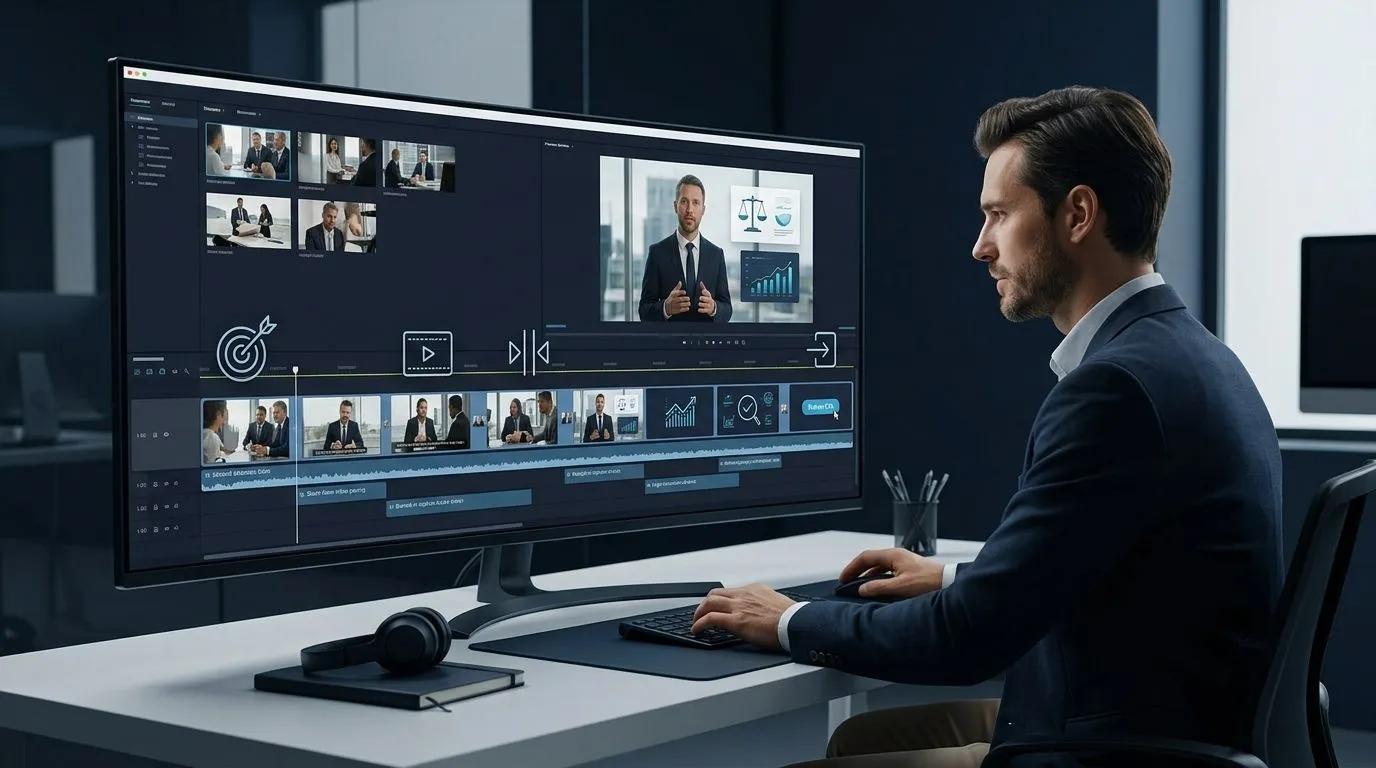
When a video has to explain a process, a contract term, or a technical claim, cutting in a motion graphic overlay does more for comprehension than another talking-head shot. For law firms, this is exactly where Legal Graphics Animation Services earn their place in the timeline, turning a dense legal explanation into a visual a client can follow in seconds.
End With One Clear CTA
A video that ends on a fade-out with no on-screen action wastes the attention it just earned. The final three seconds should show one instruction: call, book, or click, not three competing options.
Where Legal Graphics Animation Services Fit Into the Funnel
Law firms increasingly use Legal Graphics Animation Services to explain case types, break down settlement processes, or turn trial demonstratives into shareable marketing content. On their own, these animations educate. Paired with strong Video Editing Services, they convert, because editing is what turns an accurate legal explainer into a paced, captioned, CTA-driven asset that holds a prospective client's attention through the whole message.
What Makes a Video Convert?
A video converts when it earns attention in the first three seconds, stays under the length its platform rewards, remains understandable with the sound off, and ends on one clear call to action.
Four editing elements consistently show up in high-converting video:
• A hook in the opening three seconds
• Runtime matched to where the video lives (60 to 90 seconds for landing pages, 30 to 60 seconds for social)
• Burned-in captions
• A single, visible call to action at the end
Common Editing Mistakes That Kill Conversions
Mistake | Why It Hurts Conversions | Fix |
Slow intro before the point | Viewers drop off before the offer appears | Lead with the outcome in the first 3 seconds |
No captions | Most social video is watched on mute | Burn in captions on every cut |
One long, uncut video | Attention fades without pacing changes | Cut on action every 2 to 4 seconds |
Weak or missing CTA | Viewers finish the video with no next step | End on one clear, on-screen CTA |
Best Practices Checklist
1. Storyboard the cut before touching raw footage or animation files.
2. Match runtime to placement: shorter for social and email, longer only for webinars and demos.
3. Caption every version, including the ones meant for desktop viewing.
4. Review the final 5 seconds separately, since that is where most viewers decide whether to act.
Why Companies Choose Pixel Studios INC
Pixel Studios INC provides Video Editing Services built around conversion, not just polish, along with 2D Animation, 3D Animation, Motion Graphics, Legal Graphics Animation, Whiteboard Videos, and Logo Animation for law firms and business teams that need video to actually move a prospect toward a decision.
Pixel Studios INC is based at 195 Cadman Plaza West, One Pierrepont Plaza, 12th Floor, Brooklyn, NY 11201, United States, and can be reached at +1-443-487-0213 or through pixelstudiosinc.com.
Conclusion
Great footage and great animation only convert when the edit gets out of the viewer's way. A tight hook, the right runtime, captions, and one clear CTA turn a video people watch into a video people act on.
Want your next video edited to convert, not just to look good? Contact Pixel Studios INC to scope a Video Editing Services project built around your funnel.